A Guide to Setting Up Fiber Optic Internet in Cities
Fiber optic internet in cities offers high-capacity, stable connectivity, but setting it up involves understanding providers, infrastructure, and installation options. This guide breaks down how urban fiber networks work and what to consider when exploring fiber service.
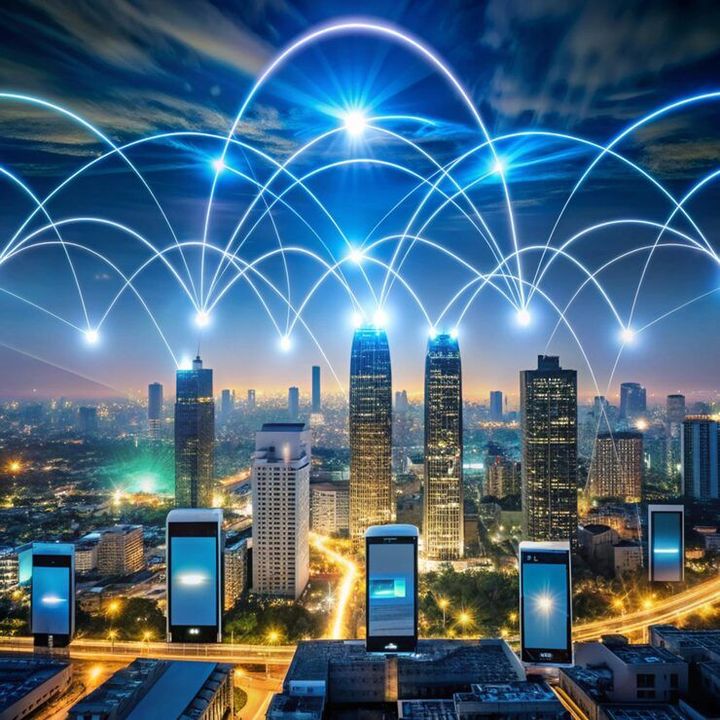
In cities, fiber networks are increasingly important because homes, offices, schools, hospitals, public institutions, and connected devices all depend on reliable internet access. Modern urban areas also need networks that can support cloud applications, video communication, online education, digital payments, smart infrastructure, and other data-intensive activities.
Setting up a fiber optic internet connection usually involves several stages. A network provider first checks whether fiber infrastructure is available near the building. A fiber cable is then routed to the property, connected to suitable equipment, and tested before the connection becomes operational.
A typical home setup may include:
- Fiber optic cable
- Optical network terminal or optical network unit
- Wi-Fi router
- Ethernet cables
- Fiber termination equipment
- Power supply equipment
- A suitable indoor cable route
The exact equipment depends on the network architecture and the provider's infrastructure.
Importance of Fiber Internet in Cities
Urban internet networks are handling more traffic than ever. Remote learning, cloud computing, streaming, online collaboration, connected appliances, and digital public services can all require dependable broadband.
Fiber is particularly useful because it provides high bandwidth and generally maintains strong performance over longer network distances. It can also support higher upload capacity than many traditional broadband technologies.
For households, a reliable fiber connection can support several activities at the same time. For example, one person may attend an online meeting while another streams video and other household members use cloud applications or connected devices.
Businesses also depend on strong connectivity for:
- Cloud-based applications
- Digital communication
- Data backup
- Video conferencing
- Online transactions
- Remote access systems
- Network-connected equipment
The wider city can benefit as well. Fiber infrastructure can support smart-city systems, traffic monitoring, public information networks, educational connectivity, healthcare applications, and other digital infrastructure.
India's National Broadband Mission 2.0, launched in January 2025, established longer-term broadband objectives, including targets for higher national-average fixed broadband speeds and improved right-of-way processing.
Basic Fiber Internet Setup Process
Although installation arrangements differ between locations, the process generally follows a straightforward sequence.
1. Check fiber availability
First, determine whether fiber infrastructure reaches the building or nearby street. Availability can vary between neighborhoods, buildings, and even individual addresses.
2. Select an appropriate broadband plan
Consider expected usage rather than choosing a speed only because it is advertised as higher. Households with several simultaneous users may need more bandwidth than a single-user household.
3. Plan the cable route
The technician normally determines how the fiber cable can enter the building and reach the optical equipment. Avoid sharp bends, excessive pressure, or locations where the cable could easily be damaged.
4. Install the optical equipment
The incoming fiber connects to an optical network terminal or similar equipment. This device converts the optical signal into an electrical network connection that can be used by a router or other network equipment.
5. Configure the router
The router provides wired and wireless connectivity inside the building. Wi-Fi settings, passwords, network names, and security features should be configured carefully.
6. Test the connection
Testing should include download and upload performance, latency, Wi-Fi coverage, and wired connectivity. A speed test should ideally be performed using a wired connection when checking the underlying broadband performance.
Fiber Internet Setup Checklist
| Item | Purpose |
|---|---|
| Fiber cable | Carries data using light |
| ONT/ONU | Converts optical signals |
| Router | Provides local network access |
| Ethernet cable | Provides wired connectivity |
| Wi-Fi settings | Connects wireless devices |
| Speed test | Checks network performance |
| Cable route | Protects the physical connection |
Recent Updates and Urban Broadband Trends
Fiber deployment has continued to expand alongside broader broadband infrastructure programs.
In India, Department of Telecommunications data published in its 2025 year-end review reported that optical fiber cable length had increased to 42.36 lakh route kilometres by 2025, compared with 19.35 lakh route kilometres in 2019. The same review reported broadband connectivity at 2,14,843 Gram Panchayats.
National Broadband Mission 2.0 also sets yearly targets extending through 2029–30. Its framework includes fixed broadband speed objectives, fiber mapping, rural internet adoption, and improvements in right-of-way application processing.
Another important development is the growing emphasis on shared digital infrastructure. In 2026, the BharatNet program provides mechanisms for accessing fiber infrastructure and broadband connectivity under the Digital Bharat Nidhi framework.
Globally, broadband planning is also becoming more data-driven. The International Telecommunication Union's 2026 GEMS initiative is designed to help policymakers and network planners assess the economic, social, and financial aspects of broadband infrastructure deployment.
These developments show that fiber expansion is not limited to individual home connections. It is increasingly connected with wider digital infrastructure planning.
Laws and Policies Affecting Fiber Installation
Fiber optic networks are affected by telecommunications regulations, construction requirements, property rules, and right-of-way procedures. The exact requirements depend on the country, state, municipality, and type of installation.
In India, the Telecommunications Act, 2023 provides the broader legal framework for telecommunications infrastructure. The Telecommunications (Right of Way) Rules, 2024 establish procedures concerning the deployment of telecommunications infrastructure. The Department of Telecommunications maintains an online right-of-way framework for applications and related procedures.
Digital Bharat Nidhi is another important policy framework for supporting telecommunications infrastructure and broadband expansion. BharatNet has been designated as a special project under the Telecommunications (Right of Way) Rules, 2024.
For a residential installation, users should also consider building-management rules. Apartment complexes may have designated cable routes, equipment rooms, ducts, or permissions for external cabling.
For larger infrastructure projects, additional requirements may involve:
- Road and street permissions
- Utility coordination
- Building access
- Underground ducting
- Pole or aerial infrastructure
- Safety requirements
- Environmental considerations
- Data and telecommunications regulations
Rules can change, so network operators and property managers should verify the applicable requirements before undertaking major infrastructure work.
Tools and Resources for Fiber Internet Setup
Several general tools can make planning and troubleshooting easier.
Broadband speed tester:
Useful for checking download speed, upload speed, and latency.
Wi-Fi analyzer:
Helps identify crowded wireless channels and areas with weaker coverage.
Network cable tester:
Useful for checking Ethernet cable continuity and connection quality.
Fiber inspection tools:
Professional technicians can use optical inspection and testing equipment to identify connector contamination, signal problems, or physical faults.
Coverage maps:
Broadband availability maps can help determine whether fiber infrastructure is present in a particular area.
Router administration panel:
Provides information about connected devices, wireless settings, security configuration, and network activity.
Cable-routing checklist:
A simple checklist can record entry points, cable paths, equipment locations, and maintenance access.
Broadband planning calculators:
These can help estimate required bandwidth based on the number of users, devices, video calls, cloud applications, and other network activities.
FAQs
What is fiber optic internet?
Fiber optic internet is a broadband technology that transmits digital information through optical signals traveling inside fiber cables. It is designed to provide high bandwidth and efficient long-distance data transmission.
What equipment is normally required for a fiber connection?
A typical installation may include a fiber cable, optical network terminal or optical network unit, router, power equipment, and Ethernet cables. The exact arrangement depends on the network architecture.
Can fiber internet support several devices at once?
Yes. Fiber connections can support multiple connected devices simultaneously. Actual performance depends on the broadband capacity, router capabilities, Wi-Fi conditions, and number of active users.
Is fiber better than every other type of internet connection?
Not necessarily for every situation. Fiber has strong technical advantages for bandwidth and long-distance transmission, but availability, network design, building conditions, and user requirements should all be considered.
How can Wi-Fi performance be improved after fiber installation?
Place the router in a suitable central location, reduce physical obstructions, use appropriate Wi-Fi bands, update network equipment, and consider additional access points for larger buildings.
Conclusion
Fiber optic internet has become an important part of modern urban digital infrastructure. Its ability to carry large amounts of data makes it suitable for homes, offices, public institutions, and connected city systems.A successful setup depends on more than the fiber cable itself. Availability, equipment, internal wiring, router configuration, Wi-Fi coverage, and local infrastructure rules all influence the final experience.